Docs
Position Records
Review & Playbooks
Record Your First Position
What creating a position means
Creating a position makes a separate record for one trade. The creation form asks only for the three facts that identify the trade: Account, Symbol, and Side. You add prices, size, times, and review content after saving.
Prepare an existing account first. You can choose a saved symbol or enter a new code while creating the position. See Accounts and Symbols for the account and symbol relationship.
Complete the creation fields
All three fields in Create New Position are required.
| Field | What to enter | Validation |
|---|---|---|
Account |
Choose the account that owns this trade. | It must match an existing account. Typing a missing name does not create an account and cannot save the position. |
Symbol |
Choose one under IN MY JOURNAL, or enter a new symbol code. |
It cannot be empty. Use uppercase codes: BTCUSDT or BTC/USDT for spot, BTCUSDT.P or BTC/USDT:USDT for perp, ES or NQ for futures, and XAUUSD for CFD. |
Side |
Choose LONG or SHORT. |
These are the only values. The default is LONG. |
If a new symbol passes validation, LucrJournal first ensures that it exists under the selected account, then creates the position. It does not create an account when you type a new account name.
If you select a template from Templates, the form also displays Template. It changes only the new position body and adds no creation field.
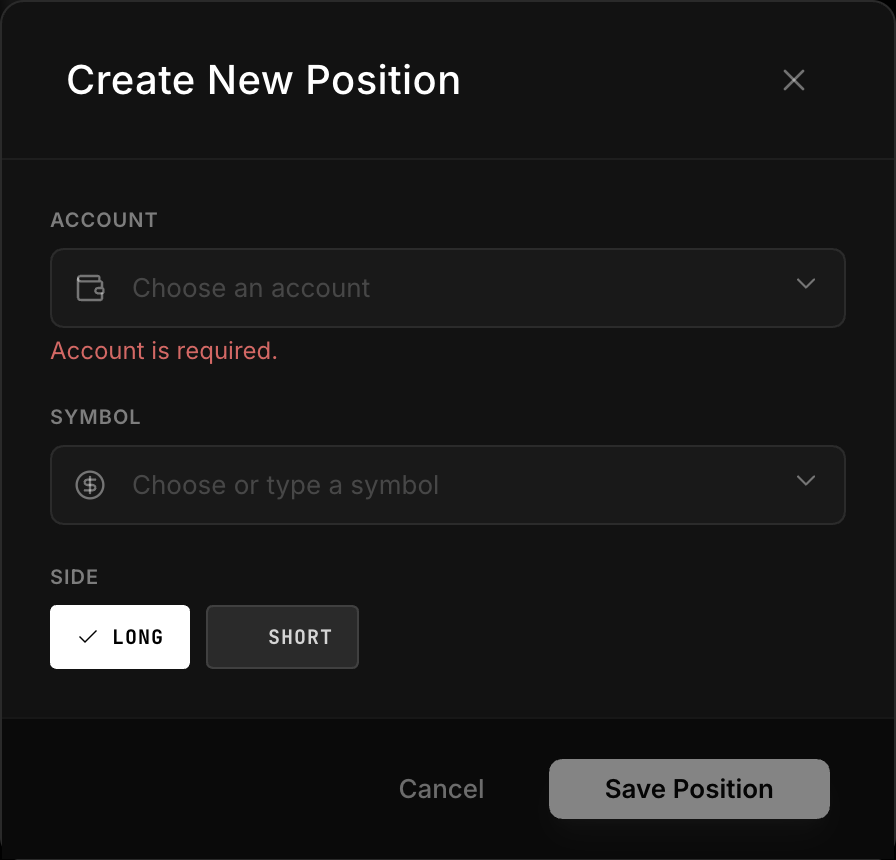
Create and save the record
- Select
New Positionin LucrJournal. - Under
Create New Position, choose anAccount. - Under
Symbol, choose a saved code or enter a valid new code. - Under
Side, chooseLONGorSHORT. - Check all three values, then select
Save Position.
You can submit only when all three fields are nonempty. A visible field validation error prevents any position write. If creation fails, the current draft stays in the form so you can correct it.
What happens after saving
After a successful save, LucrJournal opens the new position details and writes:
StatusasOpen.Opened Atas the current time in your configured timezone.- The
Sideselected during creation. - Empty
Confidence,Notional Value,Risk, andFeevalues. - An initial
Net PnLof 0. - An empty
Notessection.
Empty values mean that the information is incomplete. They do not mean that LucrJournal calculated a result. The position file is stored under LucrJournal/positions/ with a five-digit sequence such as POS-00001.md.
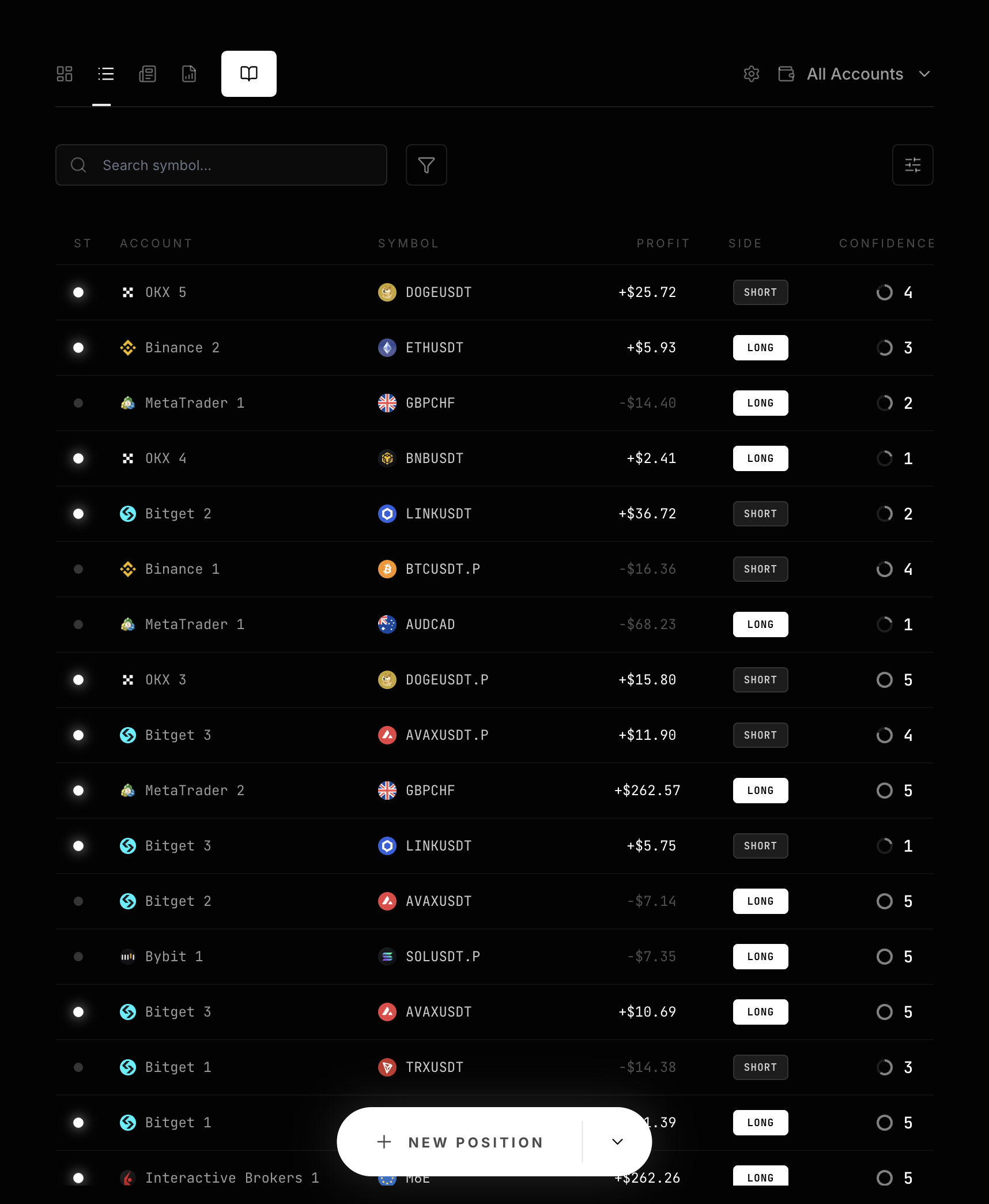
Select Positions to find it again in the list.
What cannot change after creation
Side cannot change after creation. LucrJournal rejects an entire later update if that update includes Side. Check LONG or SHORT before saving.
The position’s account comes from its linked symbol. Position details displays the account, symbol, and fixed side, but does not treat them as normal completion fields. See Position Lifecycle for the complete lifecycle rules.
Next step
Continue with Position Details to add entry, exit, size, times, the plan, and raw Notes.